01
Choose your video
Pick a video from your iPhone.
UNBLUR STATUS FOR IPHONE
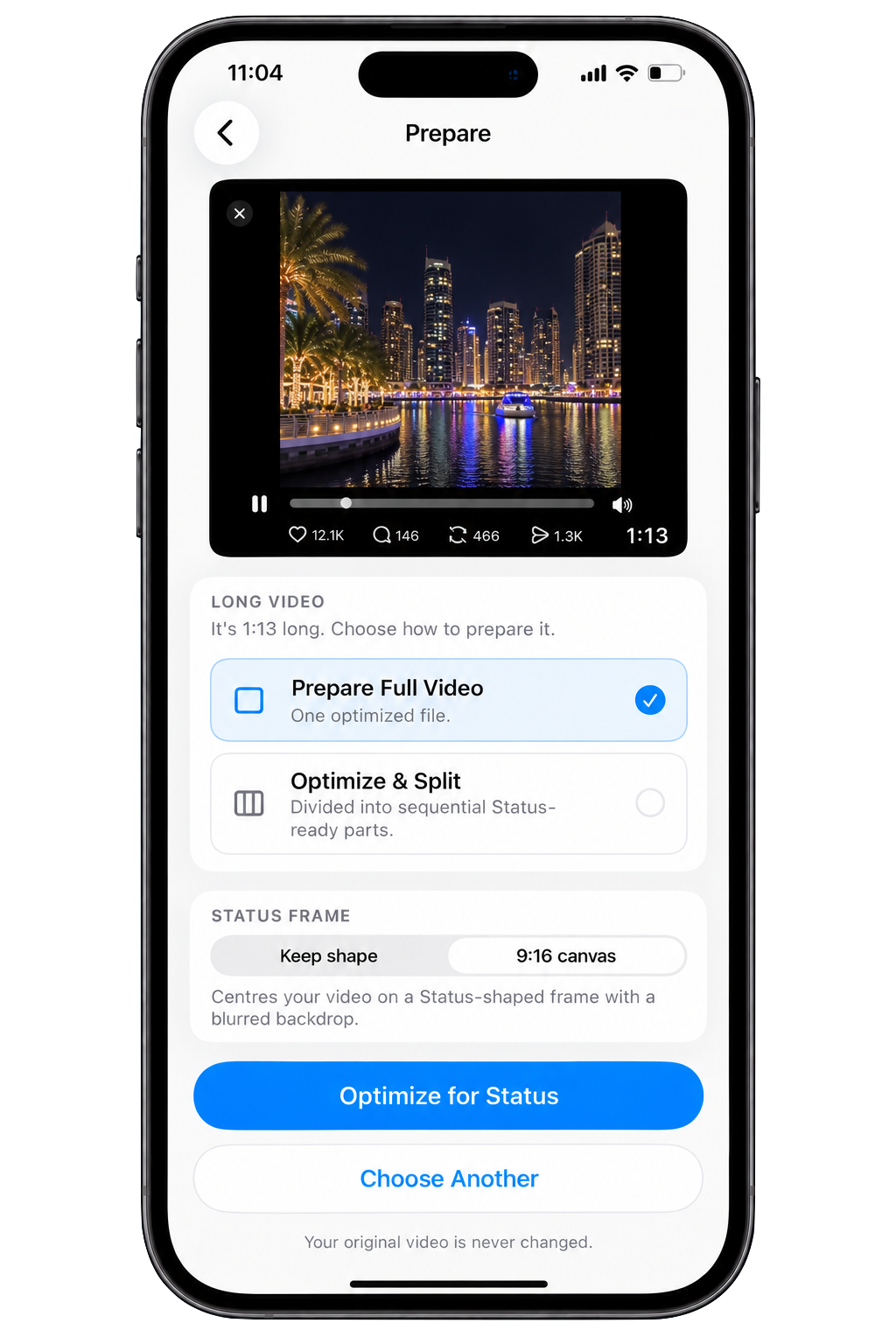
Prepare your video before WhatsApp receives it. Optimize it for Status, split long videos into ordered parts, and post without the usual hassle.
On-device No account No watermark
THE PROBLEM
Videos arrive in different resolutions, orientations, lengths, and formats. Unblur Status prepares them before they reach the posting workflow—without pretending to control what a third-party platform may do after upload.
HOW IT WORKS
Pick a video from your iPhone.
Unblur prepares the video on your device. For long videos, choose your segment length and let Unblur create ordered parts.
Save the prepared video or parts to Photos, or continue to sharing.
Your original video is never changed.
LONG VIDEOS
Turn one long video into neatly ordered Status-ready parts. Choose your segment length, prepare once, then save all the parts in order.
Processing on this iPhone
PRIVATE BY DESIGN
Video preparation happens on-device. Unblur doesn’t require an account and doesn’t upload your videos to an Unblur server for processing.
SIMPLE PRICING
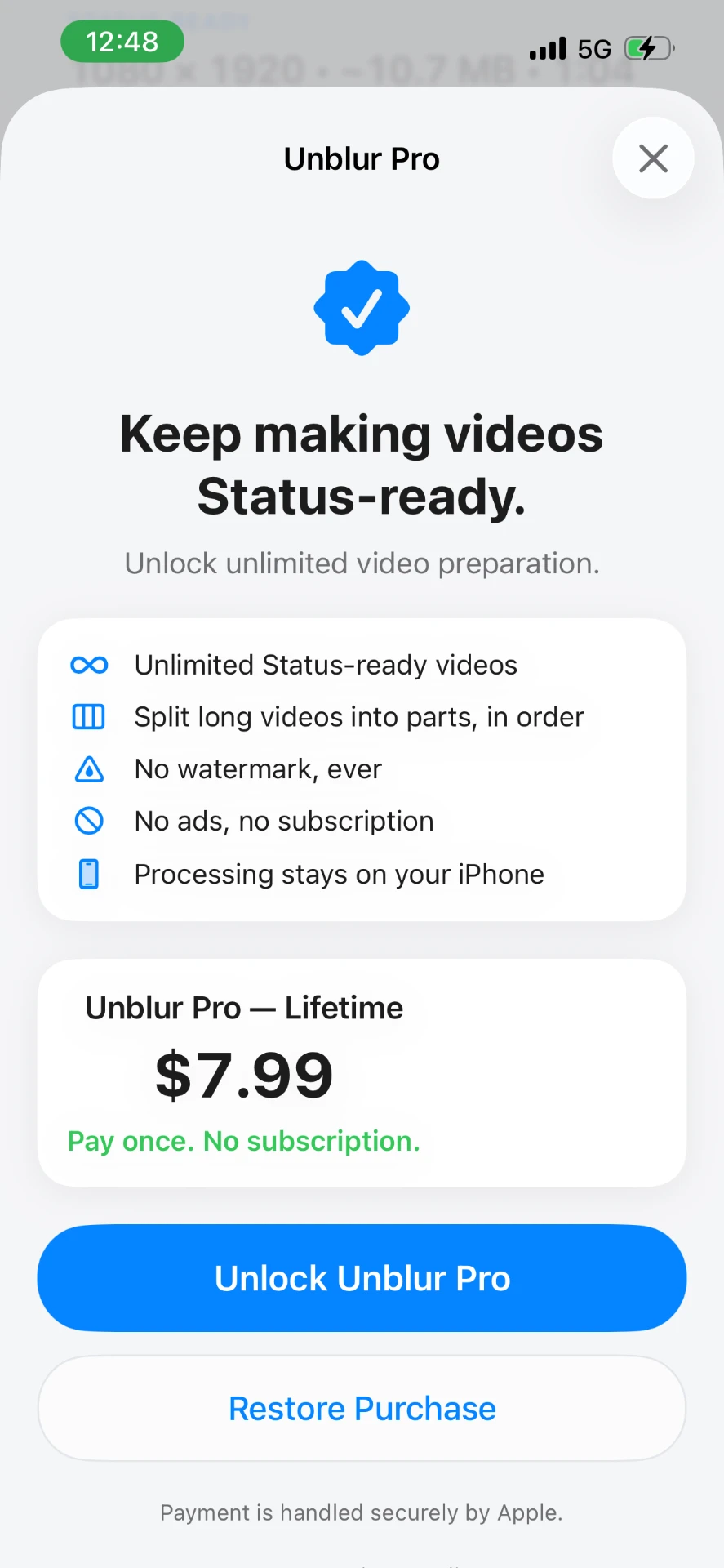
Start with 3 successful exports free.

Made for iPhone. Private by design.